
SMALL JOYSBeautiful details.
Beautiful details.
Every day.
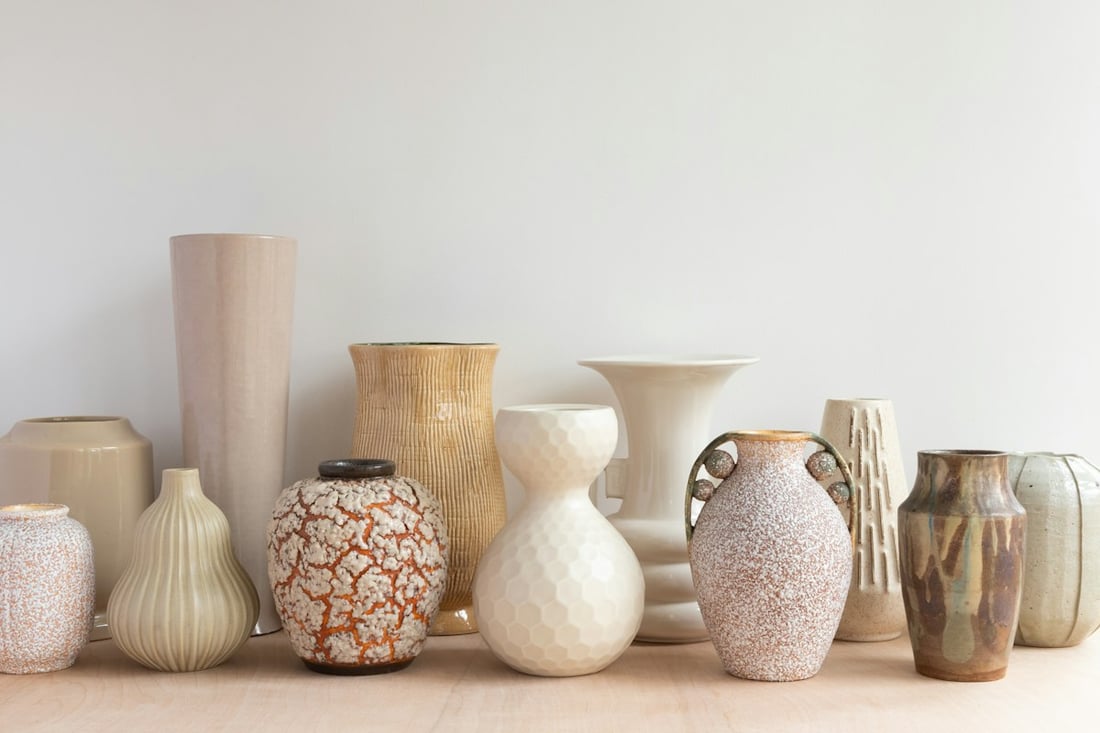
For businesses and individuals
Show what makes you special.
Create posts with AI or your own photos,
then plan them in your calendar.
Try visual editing without signing in, or sign in to your own workspace. The full studio requires active monthly access or a free administrator invitation. ShowLane brings your photo, message and brand together in an editable post. AI image generation requires separate permission and a budget.
Free demo · no registration or payment

A good day starts with good coffee.
Photo post · 1080 × 1350“I would like a cosy coffee post,
with warm colours.”
AN EASIER START
Try the first steps in the demo without signing in. A photo, a headline and your own style: that is where your post begins.
Try the demo with the example photos or your own images. A product, a place, a small detail: real stories are already around you.
Try it with a photoStart with editable sample text in the demo. Rewrite the headline and see how it could become a post.
Try the demoAdjust the headline, colours, image and layout. With active monthly access or a free administrator invitation, you can continue your saved posts in your own studio.
Explore the editorYOUR PHOTO. YOUR MESSAGE.
Real example photos, editable text and three different layouts. You can make these social graphics your own in the demo.
Preparing preview…
The story of a good morning.
rawpixel.com · CC0 · Illustrative example, not a customer post.Preparing preview…
The details you made yourself.
Chloe Bolton · Unsplash · Illustrative example, not a customer post.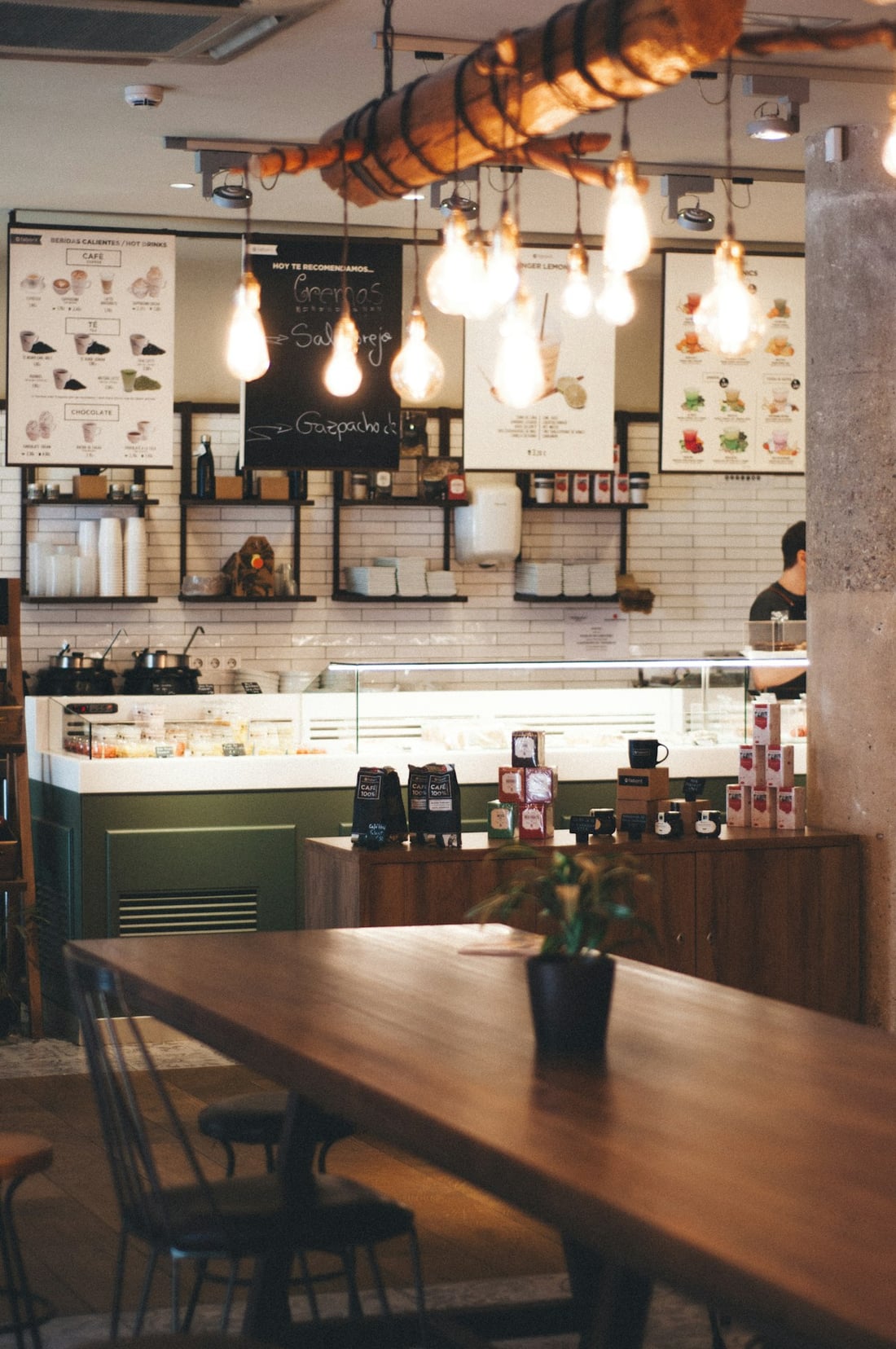
Preparing preview…
Show what it is like to be there.
Clifford · Unsplash · Illustrative example, not a customer post.THE PHOTO WORKSHOP, STEP BY STEP
A short editor walkthrough with music and Hungarian captions: your photo, text, canvas size and PNG download. You can try the same steps in the English demo.
THREE SMALL STEPS
Shape the first version by adjusting the text, image and layout. Start with the demo and explore the workflow.
Try it without signing inWhat would you like to show? What mood should it have? Describe it as you would to someone you know.
Edit the headline, colours, image and layout. Try different canvas sizes to see how it comes together.
Download the finished demo graphic as a PNG. Publishing is a separate decision; the demo does not publish posts.
KEEP THE WORK BEHIND THE POST ORGANISED
Your account workspace contains a media library, brand details, saved posts and a calendar. The demo shows the editing process; your account lets you continue your own work.
Go to sign inPhotos and logos in one place.
Your business colours and details.
Drafts and previous versions.
A clear view of your content plan.
Social and cloud connections
AT YOUR OWN PACE
Try the free demo without signing in. The full studio requires active monthly access or a free administrator invitation. A monthly plan covers one calendar month with a one-off payment and no automatic renewal; the payment page shows whether production purchasing is available.
Free demo
The operator is VAT-exempt under Hungarian law; the displayed price is the total payable amount. A one-off payment provides access for one calendar month with no automatic renewal. Plan purchasing becomes available once production payments are fully configured; the payment page shows availability. See the legal and payment notices for the terms.
Image credit usage depends on image dimensions and reference photos. Before each paid image request, we show the maximum reservation; any unused amount is released after actual usage is recorded. Editing text, colours and cropping does not use AI credits. AI video is not included in monthly image credits.
Explore monthly access
Available card purchases take place on Barion’s own payment page. ShowLane does not request or store card numbers. The demo and signing in do not start a purchase or card charge.
ANYTHING ELSE?
If your question is not here, get in touch.
v.peter@smartsquareproductions.comCreate a sample post in the editable demo using an example photo or your own image, text, colours and layout. The demo does not start AI generation, payments or publishing, and does not save to an account media library.
Yes. You can choose your own photo from a phone or computer. The demo image stays in your browser; the account media library is a separate workspace.
The full studio is available with active monthly access or a free administrator invitation. It includes a media library, brand profile, logo, saved posts and versions. The demo shows the visual editing workflow.
Using the demo, PNG export or internal calendar does not, by itself, publish a social post. Social connections require separate provider authorisation and verification.
Use your own Google account on the sign-in page. A new account can only be created when registration is available, after accepting the current terms and verifying your email. Registration alone does not include a monthly plan. The full studio requires active monthly access or a free administrator invitation; account settings and data export remain available without them. Cloud connections require separate authorisation.
The demo does not use an AI provider. AI image generation in the account studio is a separate action requiring a configured service, permission and a budget. The interface shows when it is unavailable. A new AI image variation is a separate action.
The demo is free. Monthly access prices: Starter 5,990 HUF, Regular 12,990 HUF, Active 24,990 HUF. Each one-off payment covers one calendar month, with no automatic renewal or recurring card charge. The displayed price is the total payable amount; no additional VAT is charged. Purchasing is available only after production payments are fully configured; the payment page shows availability. The demo and signing in do not start a charge.
The operator is Vágó Péter János e.v.. For product questions, contact v.peter@smartsquareproductions.com; for privacy matters, contact vproperty.hu@gmail.com. Detailed notices are linked in the footer.
HELP WITH YOUR NEXT POST
Public guides to creating posts: your photo, text and the right format. Try editing in the demo without signing in.
Turn your own photo into a social post: a short headline, your colours, a careful crop and a downloadable PNG. A practical guide to ShowLane.
Read the guide Photo editingEdit a photo in ShowLane: crop, add text, choose colours and export a PNG. Try the editor demo without signing in.
Read the guide Image sizesExplore ShowLane’s four export sizes: 1080×1350, 1080×1080, 1080×1920 and 1920×1080. Practical advice on cropping and PNG export.
Read the guide Post ideasThree practical post ideas for a café, product business and service provider. Your own photo, a short image headline and editable sample captions.
Read the guideYOUR NEXT POST
Have a question about ShowLane or need help getting started? Tell us how we can help.
Vágó Péter János e.v.ShowLane operator